
If Sage 100 screens close unexpectedly
One of the following errors may occur and cause your Sage 100 screens to close unexpectedly:
If a "RemoteApp Disconnected" message appears
You may see a message such as this:
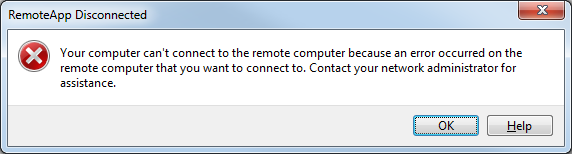
This message indicates that your connection to Sage 100 has been unexpectedly lost.
To resume working:
- Click on the "RemoteApp Disconnected" message.
All open Sage 100 screens disappear.
- Open Sage 100 again.
If a "network connection to the remote computer was lost" message appears
Note: This issue is known to occur more frequently if you use a computer on a wireless network. We recommend using a network cable to connect directly to your network when using Sage 100.
You may see a message such as this:

This message indicates that your connection to Sage 100 has been unexpectedly lost.
Sage 100 attempts to reconnect:
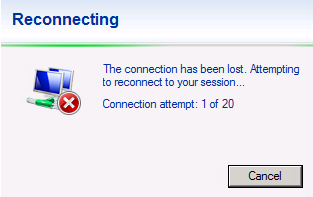
Important! Do not click while Sage 100 attempts to reconnect.